ZTE MF691 detect and unlock guide
Download ZTE ICERA modems unlocker software
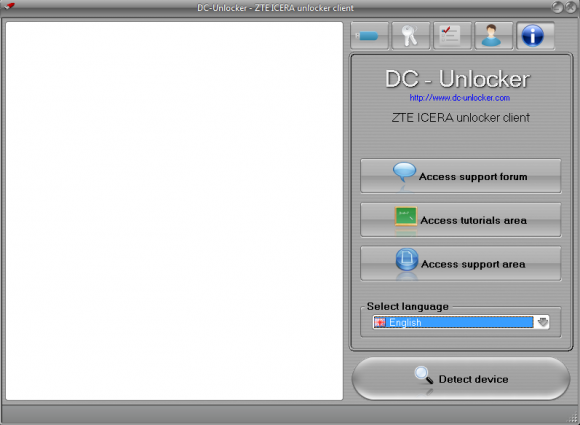
Launch ZTE ICERA unlocker client
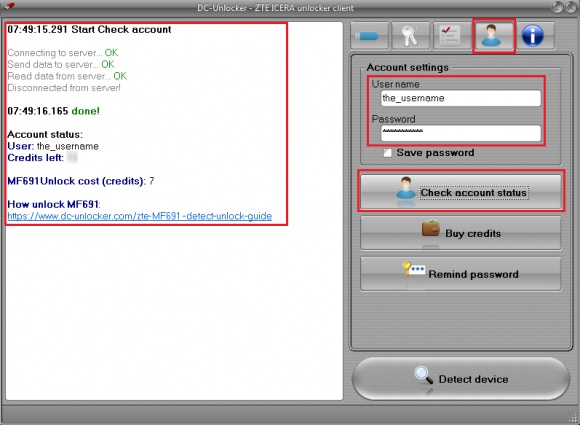
Open User Account data tab, enter your username and password that you received after credits purchase. Click "Check account status", (you can buy credits here www.dc-unlocker.com/buy).
If DC-Unlocker/Vygis/Rocker/Infinity dongle is connected, only click "Check account status"
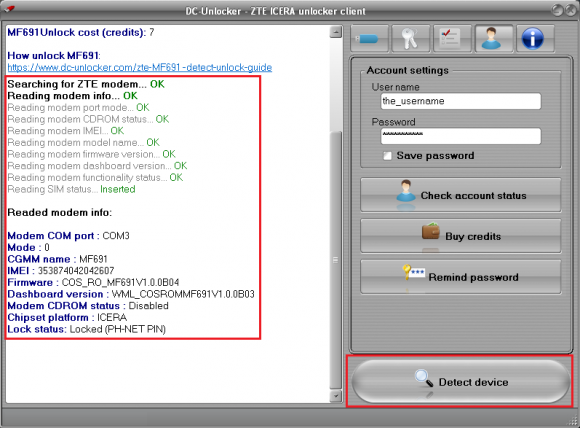
Detect device by clicking once on “Detect device” button. Wait till program detects it
Open Unlock tab, click “Unlock” button
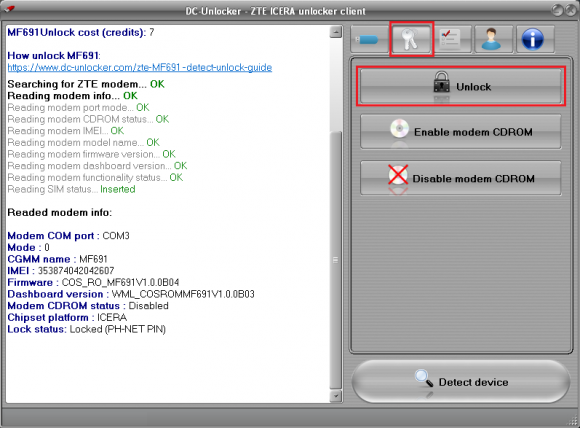
Wait for device to be unlocked
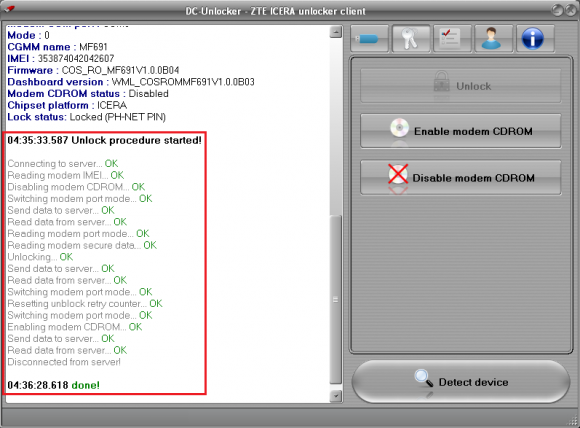
After you see that modem was successfully unlocked, restart it by disconnecting and connecting back. Now you can use it with any SIM card