ZTE E821 unlock guide
Launch DC-Unlocker client
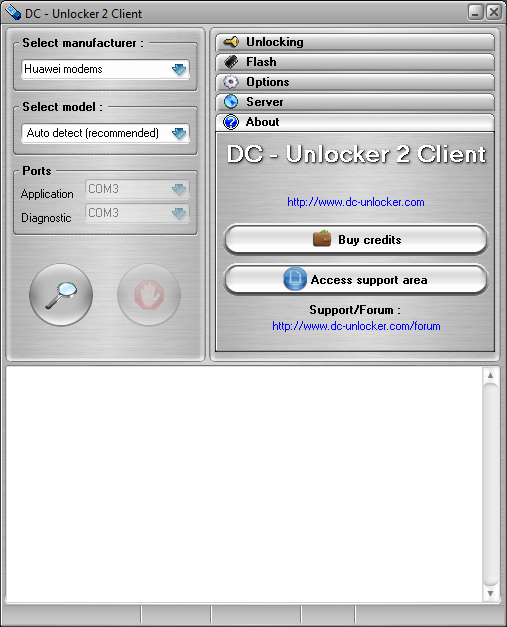
Select ZTE phones, select model Autodetect (Recommended) and press detect button - big magnifying glass
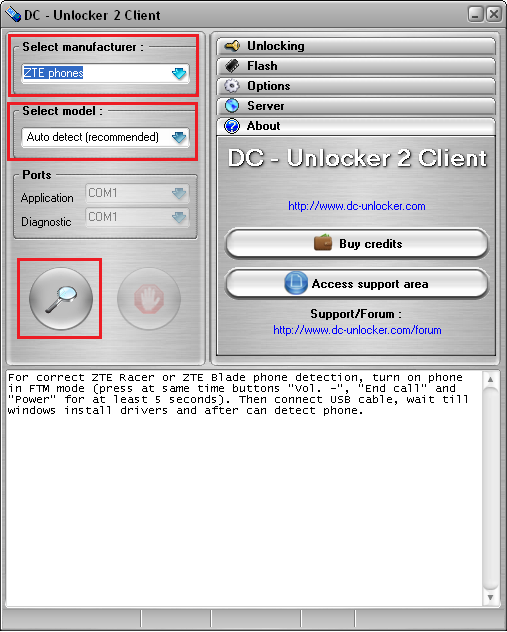
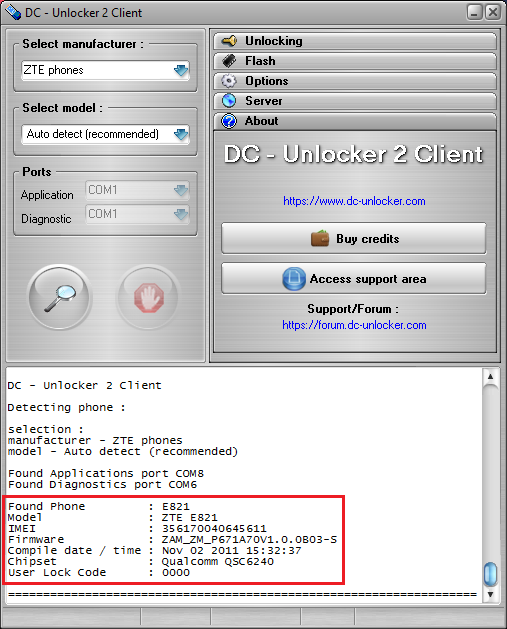
Wait for the phone to be detected
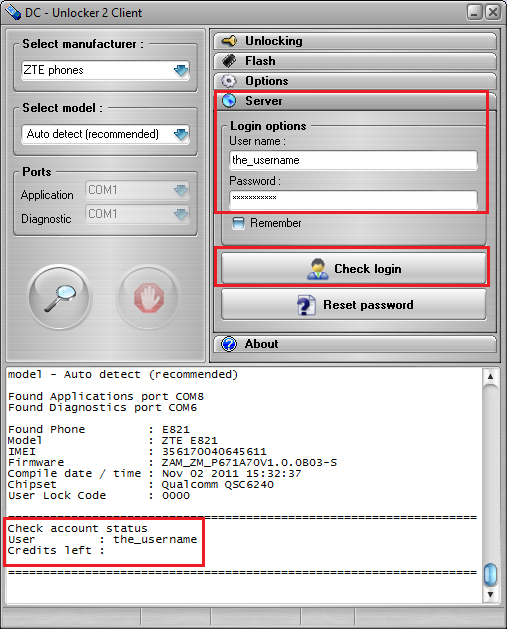
Open Server tab, enter your username and password that you received after credits purchase. Click "Check login". (you can buy credits here www.dc-unlocker.com/buy). If DC-Unlocker/Vygis/Rocker/Infinity dongle is connected, only click " Check login ".
Open "Unlocking" tab and click Unlock button
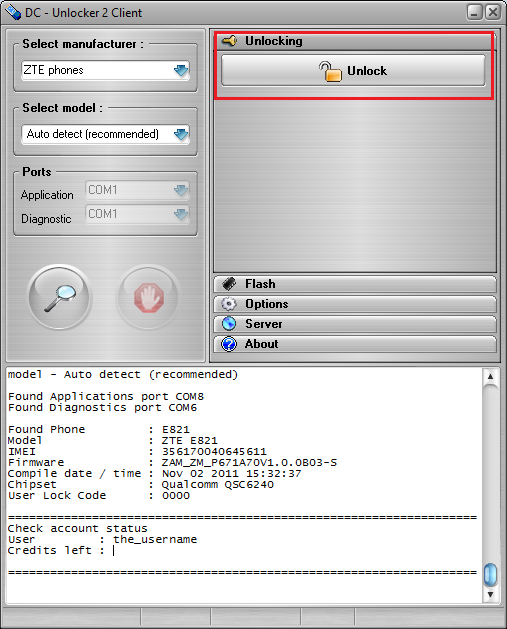
Wait for device to be unlocked
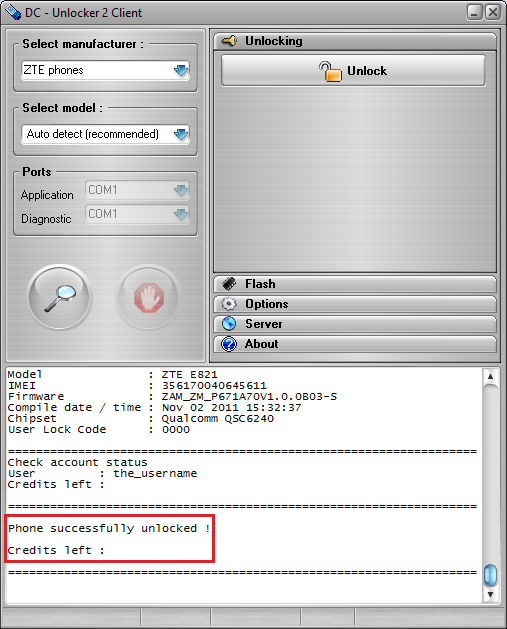
Now your phone is unlocked and will work with other Operator cards after restart.